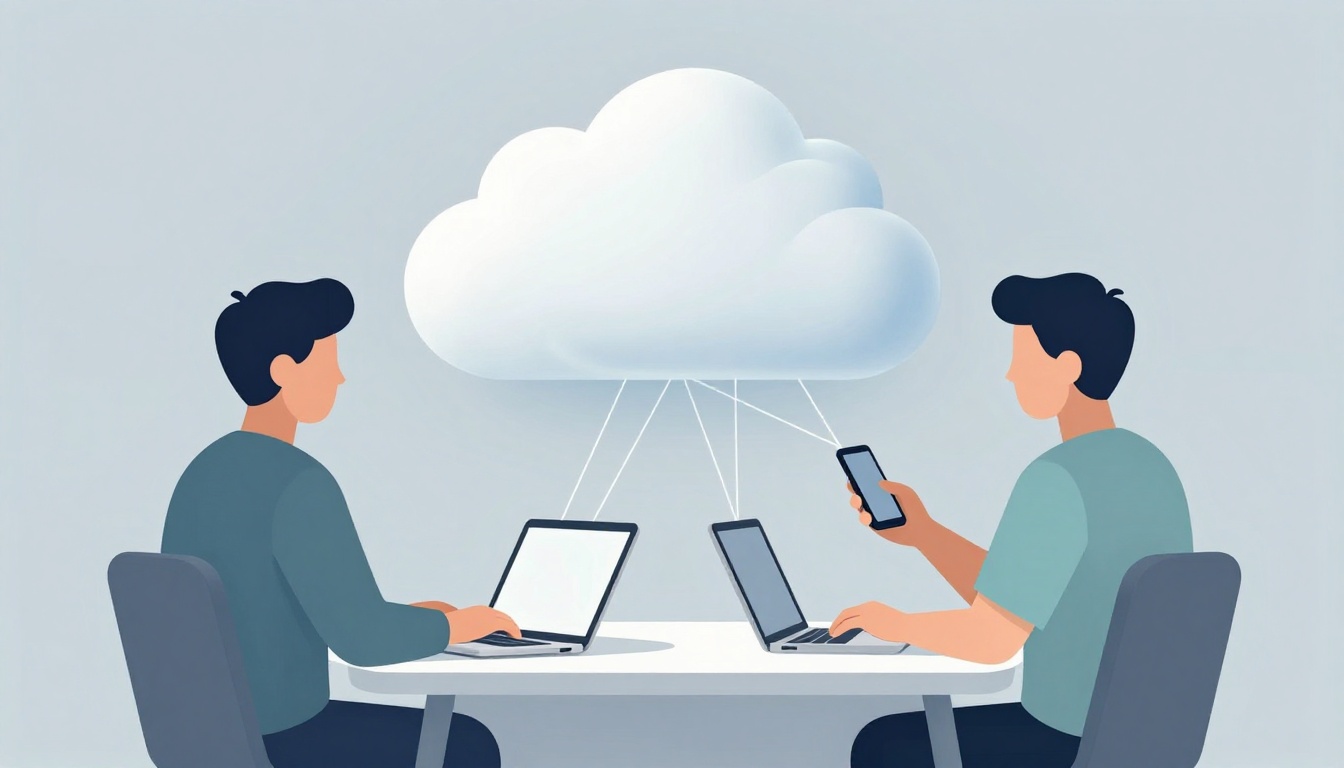
Ever forget your laptop at home and still end up checking emails on your phone? Cloud computing is why that still feels normal. Your files, photos, and apps can live online, so you can access them from wherever you are.
In simple terms, cloud computing means storing and running things on internet servers, not only on your own device. You log in, and the service brings your data back to you. Providers like Google and Amazon power many of these everyday tools.
The payoff shows up in real life: easier access, less spending, smoother backup and recovery, better teamwork, and smarter features. It’s also mainstream. Estimates often put cloud in use by 2.3 billion personal users, and about 94% of businesses rely on it. In 2026, that same tech keeps making daily routines feel lighter.
Access Your Files and Apps from Any Device Anywhere
Cloud access is the big “wait, that worked?” moment. You edit a document on your laptop, then you pick up your phone and it’s already there. Your photos, notes, and saved projects follow you, not your hardware.
It’s more than convenience, because it removes the “device lock” feeling. No one wants to worry about whether the file is on the home computer, the work laptop, or the backup drive. With cloud storage, you can treat your data like a key on a key ring. The key fits whichever door you reach next.
For a helpful baseline on why this works, IBM breaks down how cloud services run over the internet and why that matters for access and flexibility in daily use: What are the benefits of cloud computing?.
This shows up in tiny moments:
- You save a photo during a quick errand, then share it later from your tablet.
- You draft a resume on a borrowed laptop, then finish it at home.
- You stream a show like Netflix without downloading anything to your device.
- You keep a group folder for weekend plans, so everyone stays on the same page.
Even better, cloud tools support regular routines like remote work and family calls. Many people use Zoom or similar apps, and the files behind those chats often sit in cloud storage. Meanwhile, workers often use 36 cloud apps daily. That number sounds abstract until you notice you’re bouncing between email, photos, documents, and chat without thinking.
Here’s a real-world scenario. You’re in a coffee shop and need to tweak a work presentation. You do the change on your laptop. Then later, during a road trip stop, you check the same slides on your phone to confirm the last detail. That’s freedom from device limits.
If you want more everyday examples, this breakdown connects cloud to normal habits like sharing, collaborating, and streaming: Uses of Cloud Computing in Everyday Life.
Make Remote Work and Travel a Breeze
Remote work runs on reliable sign-in and fast file access. With cloud, you don’t install the same set of apps on every device. Instead, you log in securely and your work shows up.
Hybrid work makes this even smoother. Many companies praise hybrid cloud because it helps teams mix private systems with public services. One widely cited figure for 2026 is 82% of companies saying hybrid cloud improves results. The reason is simple: you get flexibility without losing control where it matters.
It also helps when life interrupts your schedule. Imagine a teacher grading papers during a commute. They open a grading sheet on their phone, make quick updates, and the changes sync back to the class folder. Next, they walk into the classroom and pull up the same work on a screen that already has everything ready.
Travel brings the same benefit. You can check travel docs, update a packing list, and keep meeting notes in one place. Then you leave the hotel office or co-working space and still have the same data on your next device. Speed matters here too, because waiting around for uploads and logins kills momentum.
The real win is “no setup hassles.” Cloud apps often save your login and preferences. So each new day feels like picking up where you left off, not starting over.
Stream Movies and Music Without Storage Worries
Cloud also shows up in your entertainment. When you use streaming apps, the content runs from cloud servers and delivers to your device. That means your phone doesn’t need to store everything first.
So instead of hunting for free space, you get instant access. Your subscription apps can play content on a phone, a smart TV, a laptop, or a tablet. You don’t need to manage hard drives. You just press play and move on.
This matters even more now, because people keep more personal content than ever. Cloud storage helps manage photos and files safely, without filling up every device at the same time. With services handling the storage behind the scenes, your device becomes more like a remote control than a storage vault.
That’s why cloud feels invisible when it works. Your music still plays, your photos still upload, and your recent edits still show up when you switch screens.
Save Money and Hassle by Paying Only for What You Need
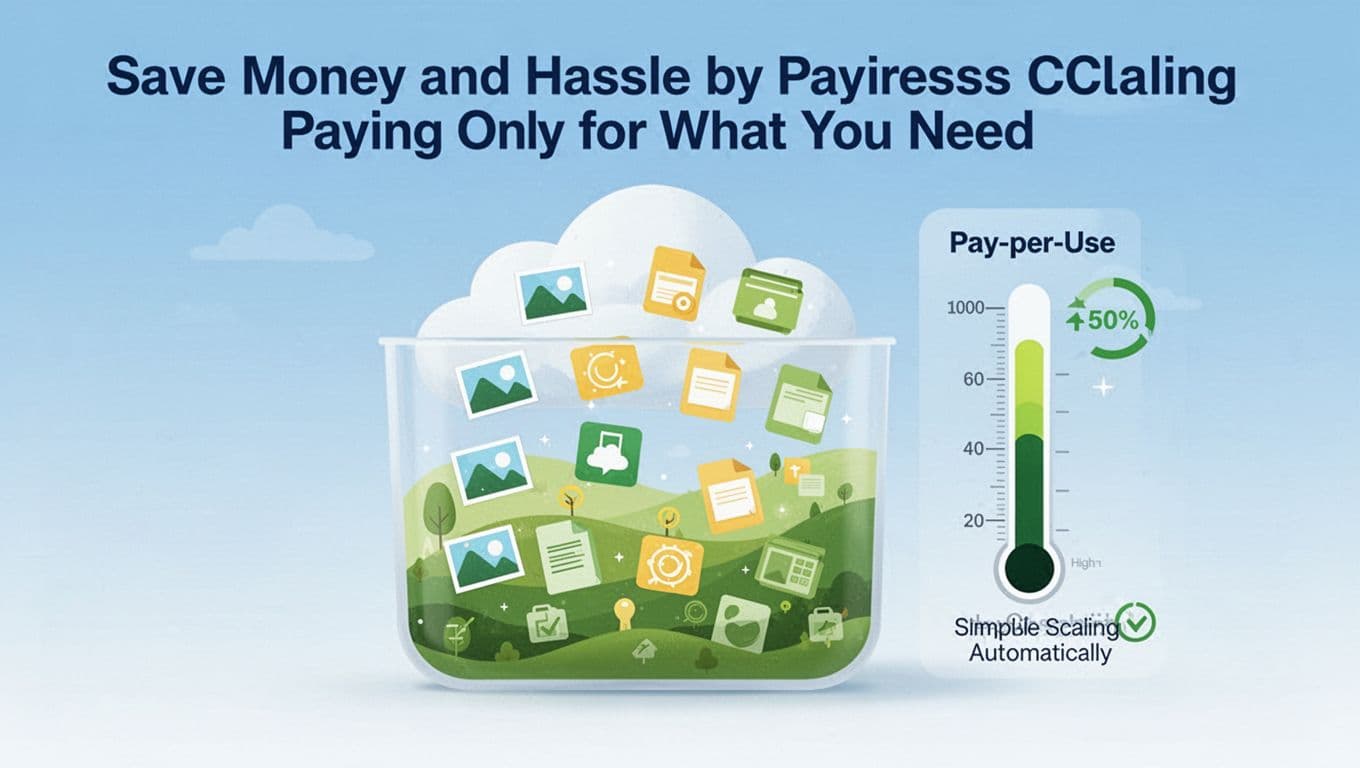
Cloud can feel cheaper because it changes how you spend. Instead of buying pricey hardware and hoping you picked the right size, you rent what you need. You pay for storage, computing time, or services, and you can scale up when demand spikes.
In 2026, the cloud market size is often cited at about $905 billion, and spending keeps climbing. It’s not just big companies either. A common stat in cloud planning discussions is 45% of IT budgets going to cloud services. For individuals, it translates into fewer expensive upgrades. You rely on services instead of buying new drives or replacing devices sooner than planned.
Also, cloud helps with busy times. Think about holiday photos. Your camera roll grows fast, then suddenly you need more backup space. With cloud, you can add capacity without purchasing extra hardware. Next month, you can scale back.
One small shop example makes this clearer. Imagine a local business that needs extra capacity during a weekend rush. It can handle higher traffic and more file uploads without buying new servers. When things calm down, costs align better with real use.
Cloud can even bring eco perks. Many providers optimize energy use at massive scale, which can reduce waste compared to underused local hardware. You may not see that directly, but you feel it through smoother performance and fewer “replace it now” purchases.
Here’s a quick compare that shows what changes in your day-to-day life.
| What you do | Old approach (on-device heavy) | Cloud approach | What you notice |
|---|---|---|---|
| Save photos and docs | Buy storage devices, manage backups | Store online and auto-sync | Less clutter, fewer manual steps |
| Handle busy weeks | Upgrade hardware “just in case” | Scale storage and compute as needed | Better performance when demand spikes |
| Move between devices | Transfer files by hand | Sign in and access instantly | You keep working without friction |
Ditch Expensive Hardware Upgrades Forever
With cloud, you can avoid big upfront buys. You don’t have to purchase servers, expensive drives, or dedicated backup gear just to cover worst-case moments.
The cost curve also keeps improving. One key stat tied to cloud adoption planning is 15.7% yearly growth, which reflects how fast the market keeps expanding. As services mature, competition and automation often reduce friction for both businesses and consumers. In other words, cloud keeps getting easier to adopt without heavy cost.
There’s another benefit that feels small but matters: backups. In the old model, you might rely on a single external drive. If it breaks, your data can vanish fast. With cloud backups, your data can be stored across multiple systems and often protected in ways that are hard to replicate at home.
Scale Up Fast When Life Gets Busy
Sometimes you don’t need “more tech” forever. You just need more room for a few weeks.
Cloud scaling works like a flexible storage box. You can keep it mostly empty. Then when you suddenly add hundreds of photos, you expand the box instantly. When the rush ends, you stop paying for extra capacity.
A common hybrid strategy for bigger orgs is multi-cloud, where companies use more than one provider. One stat often cited is that 89% of companies use multi-cloud setups. That helps reduce lock-in and gives teams options when they need specific tools.
For individuals, the parallel is simpler. If one app gets slow, you might switch to another service without rebuilding everything. Your data lives in the cloud, so moving usually feels less painful than switching hardware.
Here’s a fun example. A fitness tracker syncs runs and workout stats during a marathon. You might hit a weekend where the uploads spike. Cloud handles that burst, so your dashboard stays current. You don’t wait hours for “sync later.” You get results while motivation is still high.
Scaling also helps with everyday photo sharing. You can upload a whole vacation album quickly. Then you share it with family. Everyone views it without you emailing files one by one.
Keep Everything Safe with Automatic Backups and Recovery
Safety is where cloud really shines in daily life. Most people don’t think about backup until something goes wrong. Then it becomes urgent.
Cloud services often include automatic backups for photos, contacts, and documents. That means if your phone breaks, you can still get your files back. This matters because many users now store important data in cloud apps. One figure often cited for modern business usage is that over 60% of company data sits in the cloud.
At home, “company data” might be your health scans, school documents, and shopping receipts. If you use a cloud-connected device, your data can sync in the background. So recovery is faster when you need it.
Another safety layer is real-time processing. Some providers use edge computing, which means they can process certain tasks closer to the user or device. For example, fraud alerts can happen quickly without waiting for every event to travel across the network first.
Recover from Lost Devices in Minutes
Recovery can be surprisingly fast. You replace your phone or laptop, sign in to your account, and the app pulls your data back. Many people discover everything they need is already there, because it’s been synced and backed up.
That’s why it feels so different from older backup habits. With on-device storage, you might forget to copy files. With cloud sync, the process often runs automatically.
Another stat in planning talk for 2026 is that 95% of new apps will be cloud-based. That trend matters because it increases the chance your everyday apps already rely on cloud storage. So even if you change devices, your apps behave more like a consistent service than a fragile install.
If you want a broader look at storage trends and how providers think about resilience, this report connects cloud storage costs, AI infrastructure spending, and cyber resilience themes: Wasabi Global Cloud Storage Index for 2026.
Team Up Easily and Unlock Smart Everyday Tech
Cloud also helps you work with other people. Instead of sending files back and forth, you share a link. Then multiple people can view or edit at the same time.
That reduces email chains. It also lowers version mistakes. One person updates the doc, and everyone gets the latest version.
Family life benefits too. You can share a photo album with relatives. Or you can keep a recipe list where everyone adds their favorites. Because the data sits online, it stays available even when family members are on different devices.
On the tech side, cloud powers a lot of the AI features you use daily. Photo apps can improve images. Recommendation systems can predict what you’ll want next. Chat features can help you draft messages or summarize notes.
These features don’t require you to own a powerful “home computer.” Instead, they run on servers. Your device sends small requests, and the cloud handles the heavy work.
In fact, average company planning often counts 1,300 cloud services per company. That’s a sign of how many tools people run through the cloud. It also explains why cloud apps feel built into everyday workflows.
Share and Edit Together Without Email Chains
Live collaboration turns group work into something closer to “same room.” You can edit a shared document and see changes right away. If you’ve ever tried to combine three different Word versions, you know why that matters.
When cloud collaboration works well, it feels like a shared whiteboard. You don’t have to coordinate every step. You just keep moving.
A simple example: group project planning. Everyone drops notes into one shared doc. Then the team arranges sections and updates deadlines. You don’t spend time playing detective over which attachment is the newest.
If you want a quick refresher on how common cloud habits show up in daily life, this guide lists practical uses you might recognize immediately: 10 Ways You Use the Cloud Every Day.
Get AI Smarts for Photos, Fitness, and More
Cloud AI can make everyday apps feel smarter. A photo app can group pictures automatically. A shopping page can suggest items based on what you looked at earlier. A fitness app can show trends in your workouts.
These AI features often improve because cloud platforms connect more data. A stat tied to better insights is that some systems can produce 45% more data linking for improved personalization and recommendations.
Meanwhile, edge computing can still help where fast response matters. Cars and factories can process some signals locally, while cloud handles larger analysis.
In daily life, the result is simple. You spend less time sorting. You spend more time doing.
For example, a fitness app can summarize your recent runs and flag patterns. Maybe it suggests recovery time after a tough week. Or it recommends a different goal for your next month. You don’t need to build the model. The cloud app does.
The best part is that your AI features tend to travel with you. When you switch devices, your preferences and history can follow, because they’re stored in the cloud.
Conclusion
Forgetting your laptop shouldn’t stop you from working, sharing, or relaxing. Cloud computing makes daily life smoother by giving you access from any device, flexible storage, and faster recovery when things go wrong.
It also saves money by reducing big hardware buys. Plus, it brings safer backups and easier teamwork without messy file transfers. And in 2026, cloud-connected AI adds helpful features to photos, fitness, and daily shopping.
If you want to try it right now, pick an everyday tool that already uses the cloud. For example, check how your photos and docs sync, or test a free cloud drive like Google Drive. Then ask yourself: when was the last time your data helped you more than your devices did?