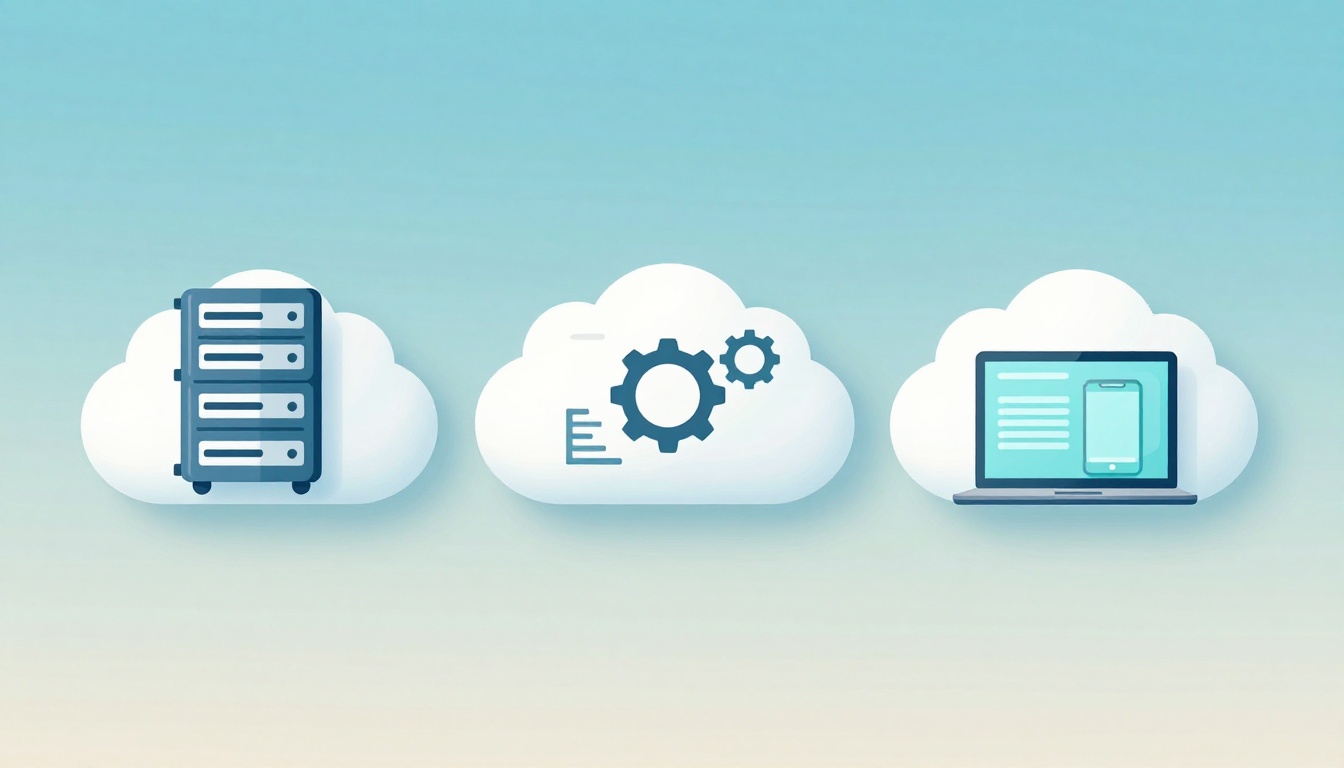
Renting a car feels simple. You pick a model, pay the bill, and you drive without owning the vehicle. Cloud services can work the same way. You rent computing power over the internet instead of buying and maintaining hardware.
In most cases, you’ll see three main types: IaaS, PaaS, and SaaS. They differ in how much setup you do, and how much the provider handles for you. That matters because it affects both cost and speed.
Also, the way companies use the cloud keeps changing. In March 2026, trends like AI-powered automation, FinOps cost controls, ARM chip efficiency, and edge computing are shaping how teams move and manage data. So it’s worth understanding the basics first, then picking the right fit.
Below, you’ll get clear explanations with simple examples, so you can picture what you’d use in real life.
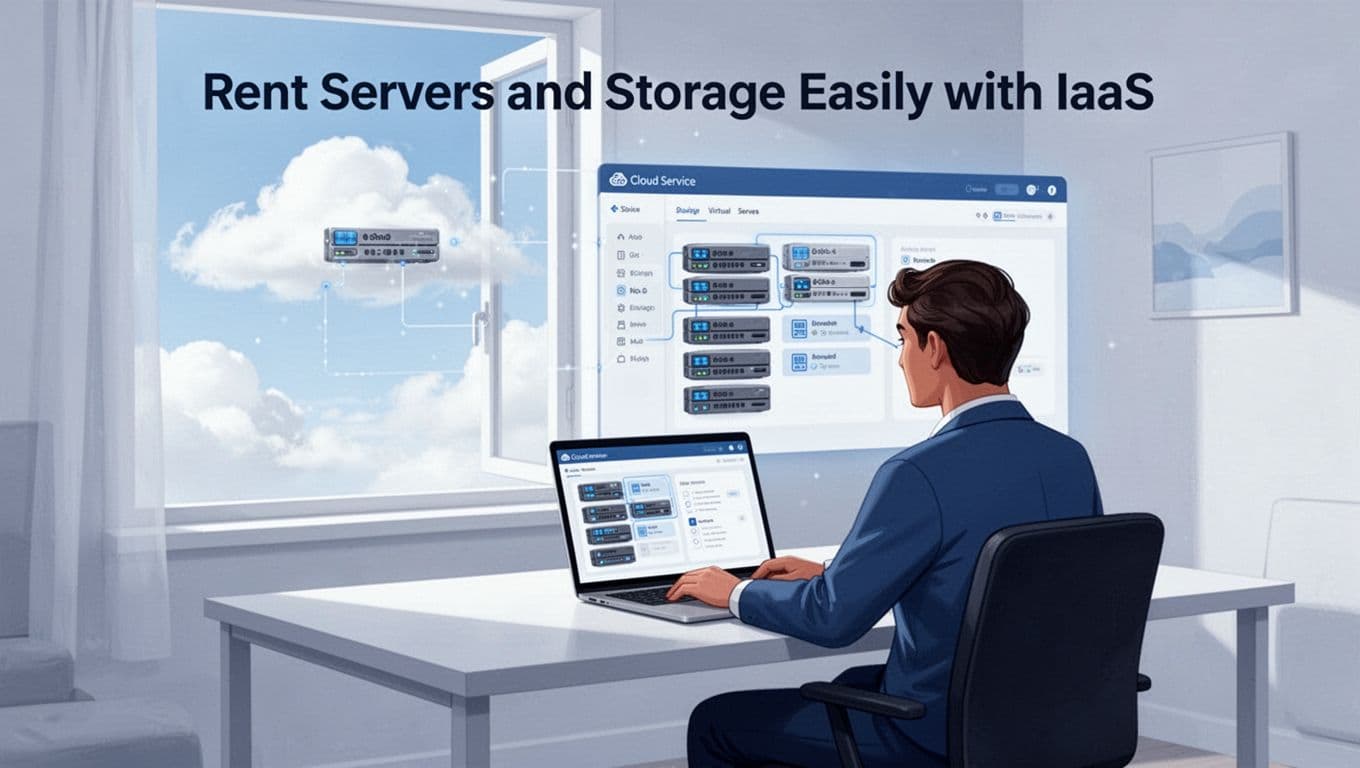
Rent Servers and Storage Easily with IaaS
IaaS explained simply means you rent the core building blocks. Think servers, storage, and networks. Then you install and run your own operating system and apps.
If you want the cleanest official definition, see What is IaaS? – Infrastructure as a Service Explained. The idea holds across providers like AWS, Microsoft Azure, and Google Cloud.
Here’s the quick picture:
| Cloud service type | What you rent | What you still manage |
|---|---|---|
| IaaS | Servers, storage, networking | OS, apps, patches, settings |
| PaaS | A ready platform to run code | Code logic, app config |
| SaaS | A finished app via browser | User accounts, data you enter |
The big benefits come fast. You can start without buying hardware. You can also scale up when traffic rises. Plus, you often pay as you use it, which helps startups and smaller teams.
However, you still own more responsibility than with PaaS or SaaS. In other words, IaaS gives you flexibility, but it also means more work.
Common pros
- Flexible building blocks for many workloads
- Pay-as-you-go pricing that fits changing needs
- Quick scaling for spikes, like product launches
Common cons
- You manage more software (OS, runtime, updates)
- Misconfigurations can cause security and cost issues
- Teams may need stronger DevOps skills
How IaaS Works in Plain English
First, you sign up with an IaaS provider. Next, you choose the virtual resources you need. That can include virtual machines, disks, and network settings.
After that, you install your own OS. Then you deploy your app and set up monitoring. Finally, you scale resources up or down as demand changes.
Compared to buying hardware, it feels faster. You’re not waiting for servers to arrive and be installed. You’re renting them and setting them up right away.
Everyday Examples and Top Providers
IaaS often shows up when you need control.
For example, teams use it for:
- Hosting websites and web apps
- Running databases and backup storage
- Building test environments for new releases
Major providers include AWS EC2, Azure Virtual Machines, and Google Compute Engine. Businesses pick a provider based on pricing, available regions, and the tools their teams already use.
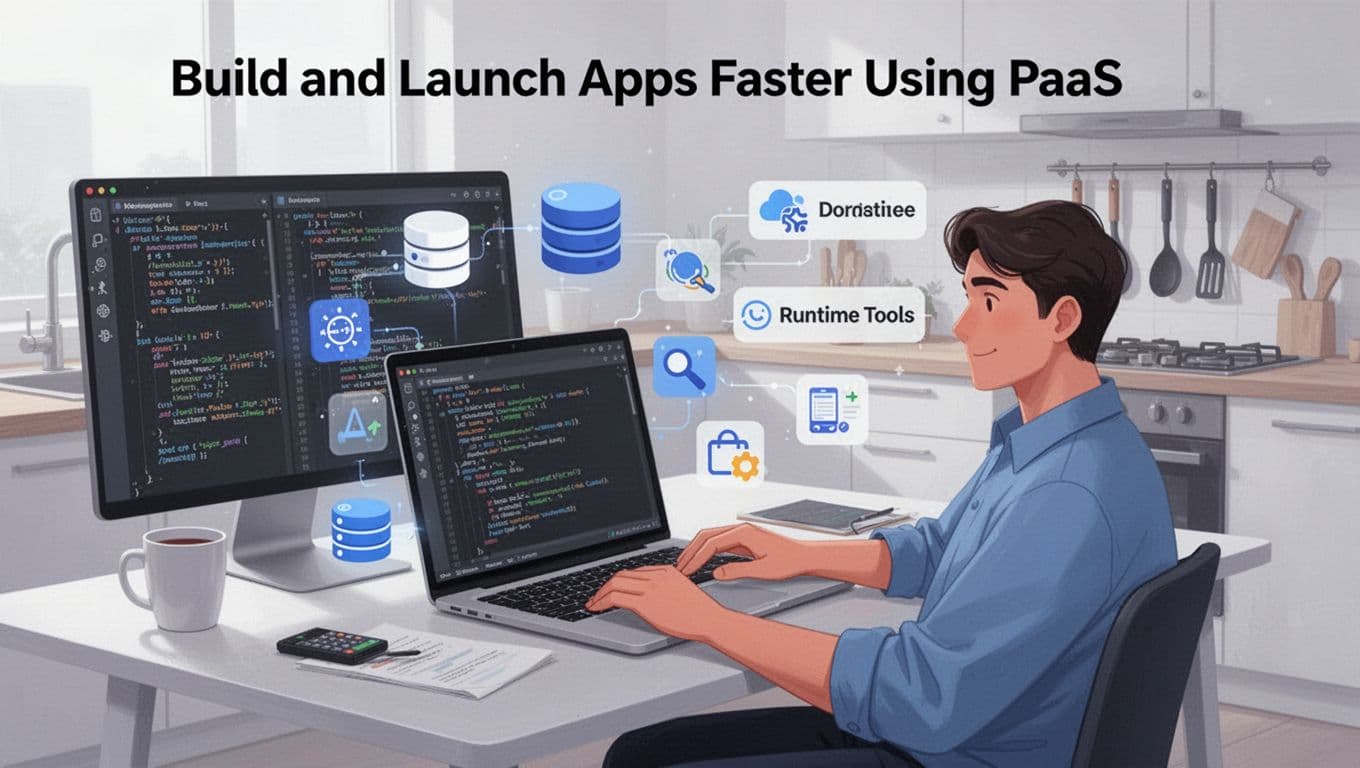
Build and Launch Apps Faster Using PaaS
PaaS means you rent a ready-made platform for building and running applications. You usually don’t handle server setup. Instead, you focus on code and app features.
A simple analogy helps: PaaS is like a kitchen where utensils come with the rental. You still cook, but you don’t buy every pan and pot first.
PaaS also tends to include helpful pieces like databases, runtime environments, and deployment tools. As a result, your team can release updates sooner.
In fact, PaaS market research projections vary by firm. Still, many reports place growth toward about $250B to $280B by 2030. That growth makes sense, since teams want faster app delivery without managing infrastructure.
If you want an example of PaaS-style app platforms, explore Google App Engine alternatives and app platform options. It shows how teams compare platforms when they want less infrastructure work.
Pros
- Less server and middleware setup
- Faster development and deployment
- Built-in scaling helps when traffic changes
Cons
- Less low-level control than IaaS
- You may still manage app settings and performance
- Vendor choices can shape your future setup
Simple Steps to Get Started with PaaS
To start, you upload your code. Next, you pick your language and framework. Then you deploy to the provider’s runtime.
After that, you configure databases or services if needed. Finally, you monitor logs and performance. If demand grows, PaaS can scale the app for you.
Best Use Cases for PaaS Today
PaaS fits teams building applications that need speed.
It works well for:
- Web apps and internal dashboards
- APIs for mobile apps and partner integrations
- Dev teams that want consistent environments
It also helps when you want less operational work. For example, you can focus on app logic while the platform handles runtime details. Some platforms also let you set security rules and network access more easily than raw IaaS.
Use Ready-Made Software Anytime with SaaS
SaaS is the simplest cloud service to picture. You use software through a browser or app. The provider handles servers, updates, security, and most maintenance.
If IaaS is renting the workshop, SaaS is renting the finished product.
A lot of SaaS feels like normal internet life. You log in, work, and you’re done. That’s why SaaS saves time for many teams.
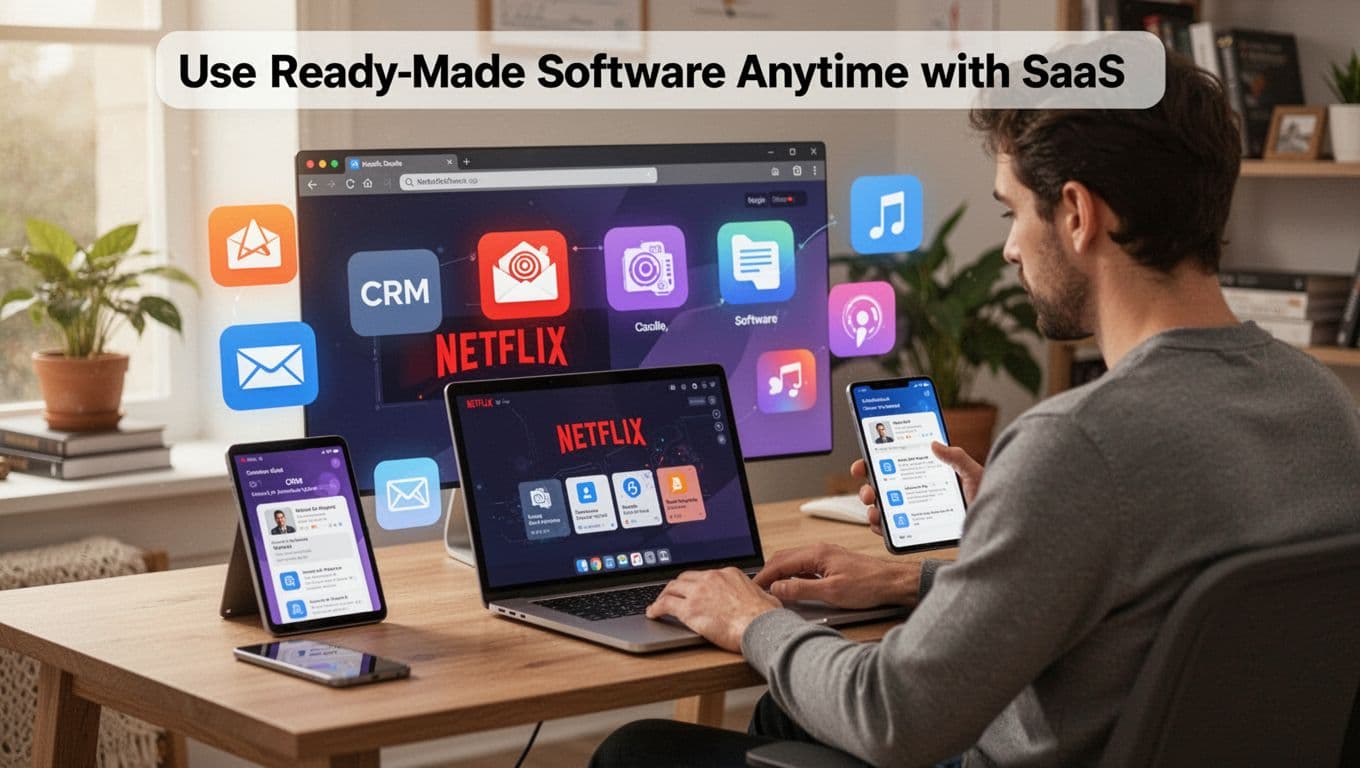
Common SaaS examples include:
- Email tools like Gmail
- CRM platforms like Salesforce
- Collaboration and calls like Zoom
- File and sync tools like Dropbox
- Office suites like Microsoft 365
Pros
- No installs for users
- Updates happen for you
- Works from many devices and locations
Cons
- You rely on the vendor for updates and uptime
- Customization can be limited
- Data privacy needs careful review
Popular SaaS Tools You Already Know
If you’ve used business software this year, you’ve likely used SaaS.
Examples:
- Slack for team chat and channels
- QuickBooks for accounting and invoices
- Google Workspace for docs, email, and collaboration
Even when features differ, the main pattern stays the same. You use the app, and the provider keeps it running.
Why SaaS Saves Time and Money
SaaS usually uses a subscription model. Instead of large upfront costs, you pay for seats or usage.
Also, because updates are handled by the provider, your team spends less time on patching. That can reduce IT workload and speed up rollouts for new users.
Still, costs can grow if you buy too many tools. So it helps to review what you use and cut what you don’t.
Pick the Right Cloud Setup: Deployment Models and Beyond
The three service types tell you what’s managed. Deployment models tell you where the cloud runs.
Most organizations start with public cloud because it’s often the easiest and cheapest. Then they pick more options as data and compliance needs grow.
Some large companies also use multi-cloud. Realtime reporting points to many enterprises running with multiple providers for redundancy and flexibility, often in the 85% to 90% range.
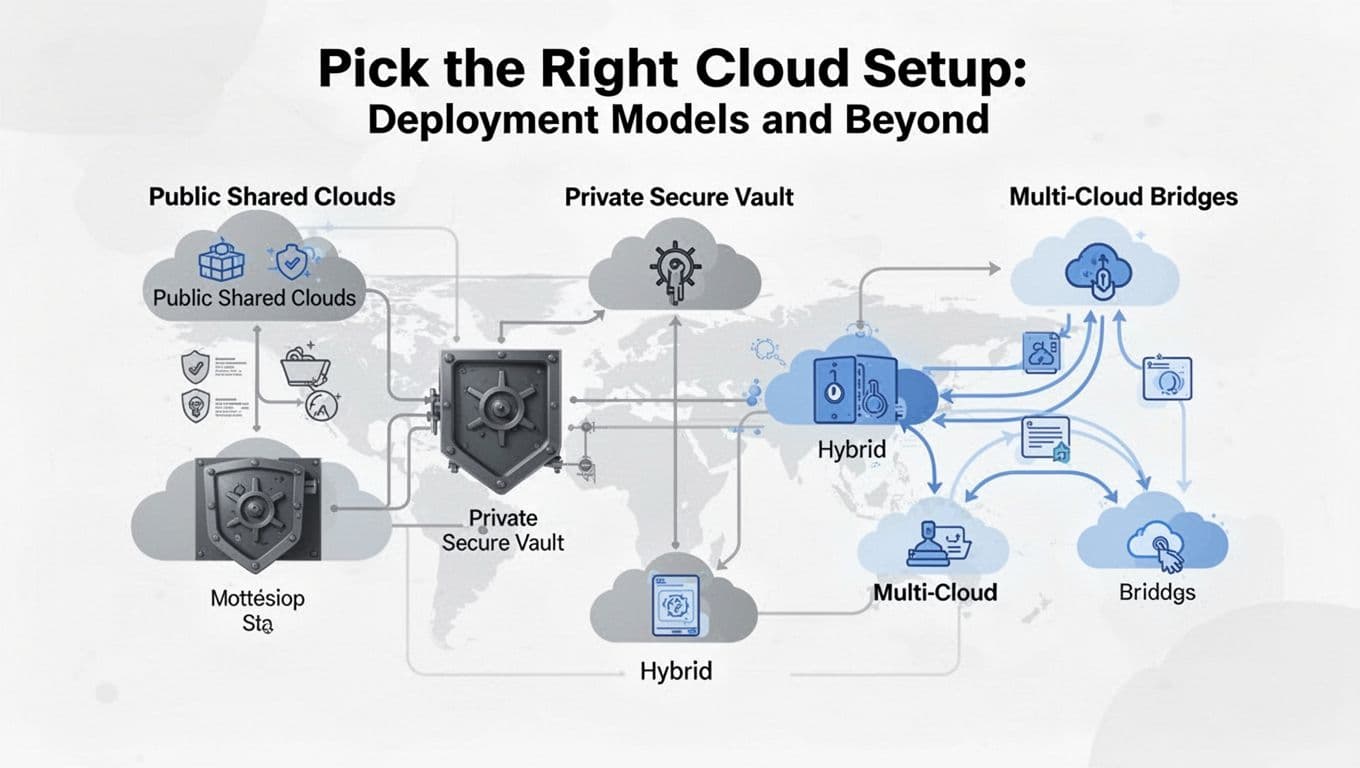
For a practical breakdown, see Detailed guide to cloud deployment models.
Public, Private, Hybrid, or Multi-Cloud: Which Fits You?
- Public cloud: Your workload shares the provider’s cloud, but it’s isolated for you. It’s common for startups and many web apps.
- Private cloud: You run cloud resources on your own infrastructure, or in a dedicated setup. This can fit strict compliance needs.
- Hybrid cloud: You mix public and private. Teams often keep sensitive data private, then use public for less sensitive apps.
- Multi-cloud: You use multiple providers. Companies do this for failover, best pricing, or specific services.
If you don’t know what to choose, start with where most of your work fits. Then plan how you’ll handle sensitive data.
Serverless Computing: Code Without Servers
Serverless often gets grouped with cloud services, but it’s more about how you run code. You deploy functions, and the provider handles the servers and scaling.
In practice, serverless feels like you pay for requests instead of uptime. When traffic increases, it scales automatically. When traffic drops, you pay less.
Common use cases include event-driven tasks like image resizing, webhook processing, or small background jobs.
Cloud Trends to Watch in 2026
Cloud services in March 2026 are moving toward smarter automation.
AI is becoming a built-in cloud feature, not a separate project. Many platforms use AI to watch performance and reduce waste. Teams also use AI more efficiently by running more work at the edge for speed.
FinOps is growing too. FinOps teams track cloud spend, tag workloads, and spot cost leaks early. With AI workloads costing more, cost control matters more than ever.
On hardware, ARM chips are getting more attention because they can improve power use. That helps when you run large fleets or care about energy costs.
Finally, edge computing matters for low delay needs. When data must react fast, processing closer to users can help.
In short, cloud services in 2026 reward teams that combine the right service type with the right deployment model.
Conclusion
Cloud services come in three main types, and each one shifts responsibility to the provider in a different way. With IaaS, you rent the basic building blocks and manage more yourself. With PaaS, you build apps on a ready platform with less server work. With SaaS, you use complete software and skip most setup.
The best move is simple: choose based on how much control you need and how fast you want to ship. If you’re starting out, try free tiers from major providers like AWS, Azure, and Google. If you’re planning hybrid or multi-cloud, a short consulting sprint can prevent expensive setup mistakes.
Now that you know the basics, you can pick the right cloud path for 2026 success.