Cloud computing misconceptions can slow you down, even when you already feel the pressure to modernize. You might worry about security, costs, downtime, or whether you need a huge team to run it.
The good news? Most fears come from old stories that no longer match how cloud works in 2026. When you clear up the myths, you can cut stress, avoid wasted spend, and plan a move that fits your real needs.
In this guide, you’ll tackle four common trouble spots: security fears, cloud computing costs and reliability worries, migration confusion, and doubts about ease of use. You’ll also see why hybrid setups are now the norm, not a fallback plan.
Busting Security Fears: Your Data Thrives in the Cloud
Security is usually the first cloud worry. It makes sense. If something sounds “off-site,” people assume it’s less controlled.
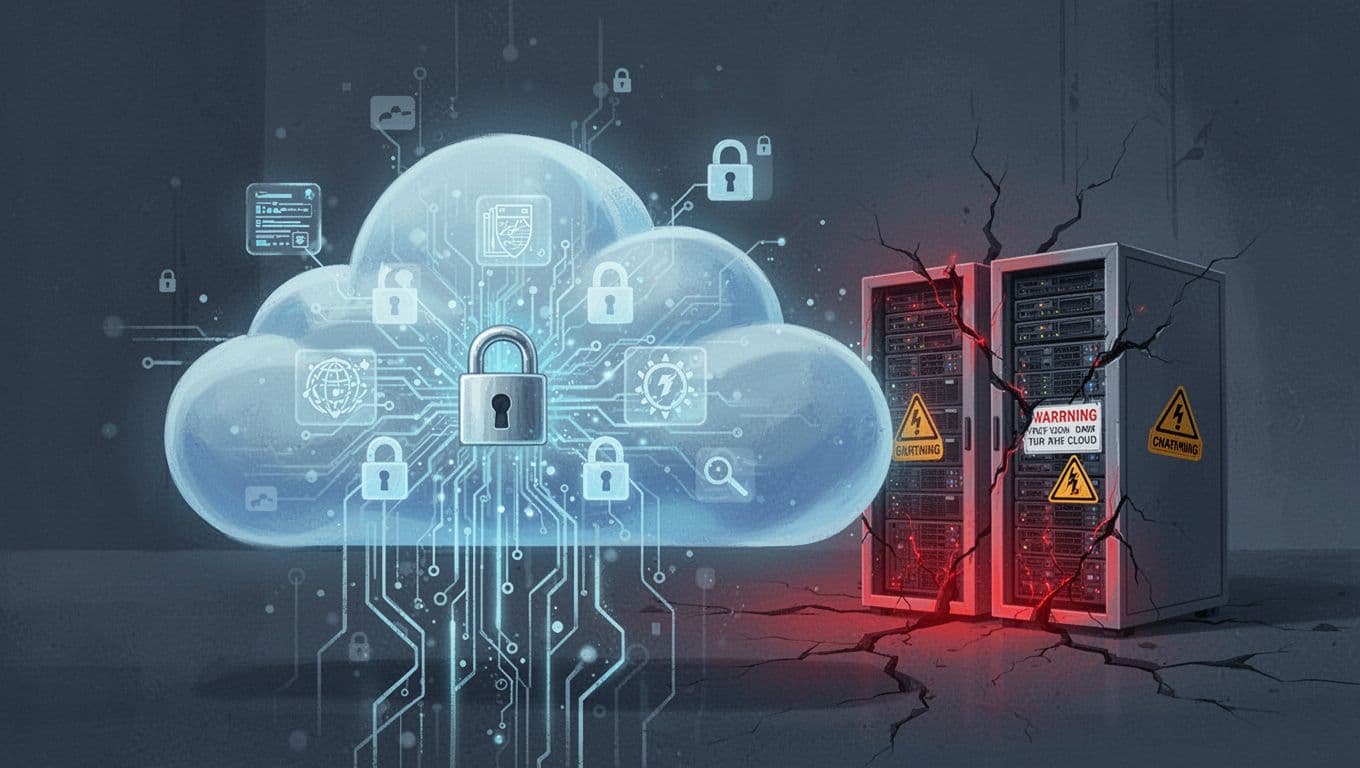
Here’s the key idea that fixes a lot of misconceptions: most cloud security is a shared job. Providers protect the infrastructure. You protect the data and the way you configure access.
In practice, that shared model works better than many in-house setups because providers run larger security teams and repeat checks all day long. If you want a recent reality check on threats and response patterns, review the 2026 Cloud Security Report.
Most teams still need to do their part. That often includes strong passwords (or passkeys), role-based access, encryption settings, and good logging. Still, the scary part is usually not the cloud itself. It’s the gaps in how people set it up.
A simple way to remember the split:
- Provider responsibilities: secure servers, networks, hypervisors, and physical facilities
- Customer responsibilities: lock down accounts, manage keys, pick encryption rules, and control who can access data
Once you view security this way, cloud starts to look less like “handing data away” and more like using a security system you can configure.
Cloud Lacks the Security Punch of In-House Servers
This myth sticks because it feels intuitive. In-house means you can walk the halls and know who touched the gear. Cloud means “someone else” runs the basics.
But major cloud providers invest in controls that most teams can’t match with a small budget. They use advanced monitoring, threat detection, and faster patching cycles. Many also follow strict security standards and undergo audits that you can’t replicate at your scale.
Think of it like a bank vault. You could try to build your own vault in a back room. Or you can rent time-tested vault space and focus on what your tellers do with the keys.
Here’s a simple comparison:
| Security area | Cloud provider strength | Typical in-house setup |
|---|---|---|
| Monitoring and alerts | Continuous detection and automated response | Manual checks, fewer alerts |
| Patch management | Fast, frequent updates across stacks | Slow, tied to change windows |
| Security audits | Regular third-party audits | Internal reviews, fewer audits |
The shared responsibility model matters here. Your job is to configure access and protect your data. Their job is to keep the platform secure.
Cloud Fails at Protecting Sensitive or Regulated Info
Another common misconception is that cloud is “unsafe for compliance.” That idea comes from older implementations and from the fear of losing control.
In reality, regulated industries use cloud all the time. Healthcare, finance, and public sector teams rely on cloud tools when they need encryption, auditing, and policy controls.
Modern cloud security usually includes strong options like:
- encryption for data in transit (SSL/TLS) and at rest (often AES-based encryption)
- detailed access logs for audits and investigations
- data residency choices, depending on provider and service region
- controls for identity and permissions (so “who can do what” stays strict)
In other words, the cloud can be a locked safe with your key. The provider manages the safe’s build quality. You manage the lock settings and who gets the key.
If you want a broader look at how misconceptions spread and why they persist, this breakdown of common cloud fallacies is a useful reference point.
When you pick a provider, check for compliance alignment (like HIPAA support and GDPR-related controls). Also ask how encryption keys are managed. That’s where many teams win or lose.
Finally, compliance is not magic. Your processes still matter. But cloud does give you strong tools to meet requirements.
Cost and Reliability Truths: Cloud Saves More Than It Spends
Another place misconceptions thrive is money. Many people assume cloud always costs less, or always costs more. Both can be wrong.
In 2026, cloud spending still surprises teams. AI workloads can raise compute use. Data transfer can add fees. If nobody watches usage, costs can creep up.
That’s why more companies now use FinOps, a practice for tracking cloud spend and fixing waste. It turns cloud costs from a mystery into a budget you can manage.
Reliability often follows a similar pattern. People fear outages because they remember stories about “cloud failures.” Yet many cloud setups run with multi-region redundancy and automated failover. In-house servers can fail too, and the fix can take longer than you expect.
Cloud Services Always Cost More Than Owning Servers
This myth usually comes from sticker price thinking. If you compare monthly cloud bills to a server you bought years ago, cloud can look expensive.
But total cost is more than the upfront purchase. On-prem costs include hardware refresh cycles, power, cooling, rack space, backups, and the people who patch systems and troubleshoot incidents.
Cloud changes the cost shape. You pay for what you use. You can scale up during busy periods and scale down when demand drops. You don’t need to staff a 24/7 maintenance team just to keep servers running.
For a grounded look at cost angles, see on-prem vs cloud TCO. It’s focused on a specific use case, but the core lesson applies broadly: ownership math shifts once you include real lifecycle costs.
Here’s a quick example. Imagine a small startup that grows fast. Buying servers for “future growth” can saddle you with debt. Cloud lets you start smaller, then scale when you see demand prove itself.
Also, reliability costs money. Cloud often includes features like redundancy and managed backups. In-house teams must build and maintain those.
The bottom line: cloud can cost more in the short term. It can also cost far less over time. The myth is treating cloud as either automatically “cheap” or automatically “overpriced.”
Cloud Downtime Hits Harder Than Local Servers
This misconception is understandable. If you own the server, you expect control. If the provider owns the platform, you assume you lose control.
Yet modern cloud reliability is built around redundancy. Many services use multiple availability zones. If one fails, systems can fail over to another. Backups often land across regions.
You’ll also see uptime commitments in SLAs. While you should read the fine print, many cloud offerings target high uptime, such as 99.99% for certain services. And when providers miss targets, some contracts include service credits.
In-house reliability depends on your setup. A single server crash can cause downtime. A power issue can take down entire rooms. Even with a good IT team, recovery can take hours, not minutes.
Still, cloud isn’t “set it and forget it.” Poor configuration can create outage risk. If you open access too wide, or misconfigure auto-scaling, you can create problems in the cloud too.
The good news is that cloud gives you tools to reduce risk:
- automated health checks and failover
- monitoring dashboards and alerts
- staged rollouts and safer deployment methods
So outages happen less often when systems are designed for redundancy. And when outages do happen, recovery is usually quicker because you can reroute traffic.
Smart Migration Strategies: Cloud Fits Your Pace and Needs
Migration is where myths turn into messy projects.
Many teams hear “move to the cloud” and assume it means a full rip-and-replace. In 2026, that approach often backfires. Hybrid cloud is common because it lets businesses keep what works and move what benefits.
A useful perspective is why going “cloud-only” can create new problems. For one argument against forcing a total shift, see why cloud-only can backfire.
Hybrid doesn’t mean you’re stuck. It means you’re practical. It also reduces risk during migration. You avoid breaking critical workloads all at once.
The smartest plan starts with fit, not hype. Ask what needs faster scaling. Ask what needs better disaster recovery. Ask where automation would save real time.
You Must Shift Your Whole Operation to the Cloud
This myth is popular because it sounds simple. “If cloud is better, move everything.”
However, lots of workloads work fine on-prem, especially legacy apps. Some systems need low-latency processing or stable networking. Some organizations also need to keep certain data flows inside local networks due to internal policies or architecture constraints.
A better approach is hybrid by design. For example:
- Keep steady, low-change workloads on-site (like older apps that don’t benefit much from cloud scale).
- Move variable workloads first (like web apps with traffic spikes).
- Run pilot tests with real user traffic (not just lab testing).
- Gradually retire old infrastructure as new services prove themselves.
You also want to watch data exit risk. When teams move data back and forth often, they can face surprise transfer costs. Plan data routes early, and keep integrations tidy.
Picture a factory with real-time machine control. That system might stay on-site for now. But you can still move analytics and reporting into cloud storage. The business gets value without risking production.
Cloud Works the Same for Every Business
Here’s the real misconception: that “cloud” is one thing.
In reality, you pick among service models and deployment options. Public cloud suits many web and data workloads. Private cloud can fit more controlled environments. Hybrid blends both.
Even within public cloud, choices vary. Managed databases differ from self-managed options. Object storage differs from block storage. Some tools handle compliance automatically, while others require more configuration.
Also, different industries care about different constraints. An e-commerce company might optimize for peak traffic. A law firm might focus on document access controls and audit trails. A medical practice might emphasize HIPAA-aligned practices.
In 2026, tools also help personalize setup through guided templates and automation. Still, you shouldn’t assume one setup fits every company.
Test before you commit. Run a workload in parallel when possible. Measure performance, security posture, and costs. Then scale what works.
Cloud Made Simple: No Experts or Magic Required
Another reason misconceptions survive is this belief: cloud requires a huge specialist team.
That’s only true when you try to do everything yourself. Many providers now offer managed services, simplified onboarding, and training paths. You still need good owners internally, but you don’t need to hire a full army.
Also, most cloud platforms now include helpful dashboards for monitoring. You can see usage, errors, and performance without digging through server logs all week.
The real goal isn’t “become a cloud expert.” The goal is to make good choices, then use the tools correctly.
Cloud Computing Equals Just Better Virtualization
This myth comes from the word “server.” People hear “cloud” and think it’s only virtual machines.
Virtualization is one piece. It pools server hardware into isolated environments. That helps with hardware use and flexibility.
Cloud computing adds more than that. It includes self-service provisioning, automatic scaling, managed services, and pay-per-use pricing. It also brings automation for deployments and infrastructure changes.
Here’s the best mental model: virtualization is like renting rooms in a building. Cloud is like renting rooms that can multiply and shrink based on demand.
In other words, you can move fast because you don’t manually manage every server. You define what you need, then the platform helps run it.
That’s why cloud can feel easier once you choose the right service level. Managed services remove a lot of the busywork.
Small Teams Can’t Handle Cloud Management
This misconception is usually about fear, not capability.
Small teams can manage cloud when they use managed services and guardrails. They can also lean on provider training, starter templates, and clear monitoring alerts.
You also don’t need a PhD to start. You need a plan, basic security hygiene, and the willingness to learn.
A few easy-start habits that help:
- Start with a single non-critical workload, then measure costs and performance
- Use managed storage and managed databases when possible
- Turn on logging early, so audits and troubleshooting aren’t painful
- Set role-based access, and limit who can change core settings
- Train one internal owner who checks dashboards weekly
For many solo founders and small teams, the winning move is “managed first.” Then, as your needs grow, you decide what to take on yourself.
When you approach cloud like a tool, not a mystery, it becomes manageable quickly.
Conclusion: Let Go of the Old Cloud Myths
Cloud computing misconceptions keep teams stuck because they focus on worst-case stories. The reality is more practical. In 2026, cloud security is strong, costs are manageable with FinOps, and reliability often beats basic in-house setups.
Migration works best when you choose smart hybrids, not full rip-and-replace. And you don’t need magic or a huge team to get started, as long as you use managed services and keep permissions tight.
What myth do you hear most in your workplace? Share it in the comments, then try a free tier on one workload.