
A side project can start on a laptop, but it grows fast once you move compute and storage to the cloud. Imagine you spin up a tiny app for friends, then suddenly you need more space, more speed, and less setup time.
A cloud account gives you access to servers, storage, and tools online. You don’t buy hardware. Instead, you use pay-as-you-go options and free tiers to learn safely.
In 2026, this is easier than ever because AWS, Google Cloud, and Azure all offer generous free tiers and trial credits. Next, you’ll pick the best provider for your first cloud account and then create it step by step.
Pick the Right Cloud Provider for Your First Adventure
Before you click “Create account,” ask one simple question: what do you want to build first? A website, a small API, a data demo, or something AI-related?
For most beginners, the “big three” work well. In 2026, AWS leads cloud market share at about 30 to 31%. Azure follows around 20 to 21%. Google Cloud sits near 13 to 14%, with strong growth driven by AI and data services.
Here’s the quick beginner comparison, focused on free offers:
| Provider | Free offer for new users (2026) | Ongoing free plan? | Best first project fit |
|---|---|---|---|
| AWS | Up to $200 credits (free plan also available) | Yes, always-free services | General apps, web hosting, lots of examples |
| Google Cloud (GCP) | $300 credits for 90 days | Yes, always-free limits | AI experiments, data tools like BigQuery |
| Microsoft Azure | $200 credits for 30 days + 12 months of popular free services | Yes, many always-free services | If you already use Microsoft tools |
All three have modern dashboards, so you won’t feel lost. Still, the first week goes smoother when you match the provider to your goal.
If you’re unsure: start with AWS for broad service support, or Google Cloud if you’re curious about AI and data. Azure is great if you want an easy path from Microsoft environments.
Why AWS Tops the List for Newbies
AWS is the most common choice for learning cloud basics. That matters because tutorials, answers, and sample code are everywhere.
In 2026, AWS offers a Free Plan experience plus credits. New customers can get up to $200 in credits. You can also use Always Free services with monthly limits, without time pressure.
For beginners testing compute, AWS’s 12-month free tier is a strong starting point:
- EC2: 750 hours per month (t2.micro or t3.micro)
- S3: 5 GB storage plus monthly request limits
AWS also has an “always-free forever” feel with services like Lambda (1 million requests per month) and CloudWatch (10 custom metrics). Even if your first app stays small, you’ll see how the core pieces connect.
If you want to double-check how specific instance free-tier rules change, this guide from Classmethod can help you compare options before you pick an instance type: EC2 free tier details in 2026.
Google Cloud’s Edge in AI and Free Credits
Google Cloud stands out when you want to explore AI and data without building everything from scratch. It also has a clear free path for new users.
In 2026, GCP offers:
- $300 in credits for 90 days
- an Always Free tier with ongoing limits
For compute, the Always Free setup includes:
- 1 e2-micro VM per month
- 30 GB-months of persistent disk
- about 1 GB of outbound data transfer (with region rules)
Google also includes free options for AI-adjacent services like Cloud Vision (limited units each month). You can learn common AI workflows while staying inside free limits.
One more benefit for beginners: GCP’s free program pages are very clear about what counts as free. For example, the main start page explains the $300 trial and how it pairs with Always Free usage: Google Cloud free trial and free tier.
Azure: Seamless if You Love Microsoft Tools
Azure is a smart first cloud account choice if your school, job, or home projects already use Microsoft tools. You’ll often find better “fit” when you connect cloud learning to your current setup.
In March 2026, Azure’s free offer includes:
- $200 credits for 30 days
- 12 months of popular free services
- 55+ always-free services
If you want to test AI, Azure integrates with Azure OpenAI Service. In your early stage, you’d usually use the $200 credits to try models before you move to a paid plan later.
Azure’s free experience still depends on basic setup like adding a phone number and payment method. So, treat that step as part of the learning process, not a hurdle.
When you’re ready to create your account, the official free page is here: Create an Azure free account.
Create Your AWS Account: Every Click Explained
Now it’s time for the practical part. In this section, you’ll learn how to create your first cloud account step by step on AWS, using the free options.
If you follow along exactly, you’ll end up with a working AWS login and a safe setup for your first test.
Before you start, gather these items:
- A real email you can verify
- A phone number that can receive a text or call code
- A real credit card (it should show “no charge” during setup)
Step-by-step AWS signup (beginner-friendly)
Use the AWS free path at aws.amazon.com/free. Then follow these steps:
- Click Create AWS Account
Enter your email, create a password, and choose an account name.
Verify your email when AWS sends the code. - Add contact info
Enter your phone number.
AWS calls or texts you with a verification code. Answer it. - Add payment method (real card, no charge)
Enter your credit card details for verification.
Put in your real billing address too.
Prepaid or some unusual card types can fail verification. - Choose basic support settings
Pick the default option.
Then finish signup. - Sign in and set a $0 budget alert
In Billing, create a budget or alerts so you know right away if spend starts.
After setup, check that you’re using the Free Plan and free tier services. Also, keep your first project small. Think “one VM and one storage bucket,” not “a whole production platform.”
Helpful free-tier mindset: use the cloud like a test kitchen. You taste, adjust, and only order more ingredients when you need them.
Free tier perks you’ll likely use first
Most first projects start with these AWS basics:
- EC2 for running a small server (often your first web app)
- S3 for storing files (images, uploads, backups)
- CloudWatch for basic logs and metrics
AWS has lots more, but these three teach the core workflow quickly.
Handle Phone and Card Verification Smoothly
The phone and card steps can feel annoying. Still, they’re normal for safety and fraud prevention.
When AWS asks for a phone number, use one you control. Virtual numbers and some privacy services often get blocked. If you’ve used a specific number before for other signups, that usually works again.
For the card, use a normal credit or debit card you can verify. During free tier setup, you shouldn’t get charged. However, the system needs a valid method to confirm identity.
If you ever see an error like “verification failed,” don’t keep clicking randomly. Instead, pause and check the obvious:
- Is the number correct?
- Is the card expired?
- Is your address matching the bank record?
Once your account is verified, you’re ready to protect your free tier.
Secure Your Free Tier Right Away
Here’s the gotcha beginners hit: you can stay “free” only if you stop resources when you’re done.
Cloud billing works like this: you often pay for time and data. So, your setup must include two habits:
- watch usage
- shut down test resources
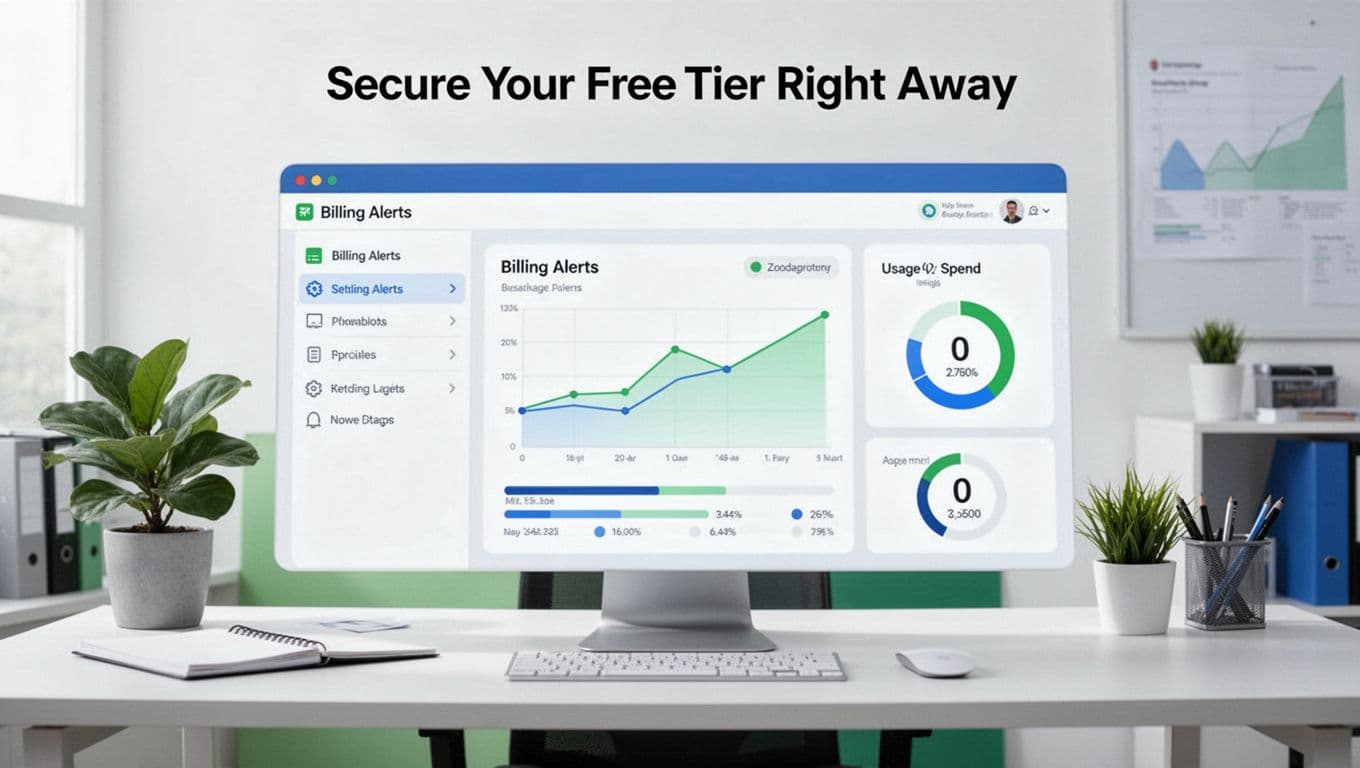
Start with budgets. Set a $0 budget alert or low threshold alert in Billing. This doesn’t mean you’ll never spend. It means you’ll catch problems early.
Next, run your tests carefully:
- Launch only one small VM first.
- Don’t keep test instances running overnight.
- Delete or stop resources you no longer need.
Also, watch data transfer (egress). Even small websites can generate outgoing traffic. If you post content publicly, requests can add up quickly.
If you want a visual reminder of what you’re setting up, here’s a simple picture of budget and usage alerts:
Sign Up for Google Cloud in Under 5 Minutes
Google Cloud also makes it beginner-friendly, especially when you use the free start page.
Use cloud.google.com/free, then create an account and add billing. Here’s a practical flow that matches what you’ll see on the screen:
- Use (or make) a Google account
Then click Get started. - Accept terms and enter basic details
Choose your name and country. - Add card to start the trial
You need a payment method to activate limits.
You generally won’t be charged unless you upgrade. - Link billing and grab the $300
Your credits start when your billing account is set. - Start with a small test option
For example, enable Compute Engine for your first VM experiment.
The Always Free tier runs alongside your trial. So, you can learn while credits cover heavier experimenting.
One key warning for beginners: quotas can feel tight at first. If you hit a quota limit, don’t panic. You can request more in the console. Also, keep an eye on egress fees, since outbound data transfer may not stay free forever.
Link Your Billing Without Worry
Even though the first charges should be $0, you should set guardrails.
Do this right after signup:
- Turn on usage dashboards if you see them.
- Set alert thresholds in your billing controls.
- Keep your first VM small and delete it when finished.
Also, confirm you’re staying within Always Free limits. Google lays out the free features clearly in its documentation. This page is a solid reference while you learn: Free Google Cloud features and trial.
Launch Your Azure Account with Zero Hassle
Azure’s signup process is similar to AWS and GCP, but the layout differs.
Go to azure.microsoft.com/free, then create your Microsoft-based account. Follow this simple path:
- Sign in with your Microsoft account
Click Start free. - Fill your profile details
Enter the basic info Azure asks for. - Verify phone and payment method
You’ll get a code by phone. Then add your card. - Confirm your free credits and free services
Azure gives $200 credits for 30 days, plus free services under set limits. - Check your subscriptions in the portal
Look for your free plan or credit status.
As you create resources, start tiny. Run one test VM, deploy one small app, then stop.
If you’re exploring AI, remember that free OpenAI testing typically depends on credits. So, treat AI as a “use it carefully” feature during your trial window.
Master Billing Alerts from Day One
Azure portals can show many panels, which can confuse beginners. Still, the setup goal is simple: you want alerts and visibility.
Set these habits:
- Use billing dashboards to check remaining credits.
- Watch daily spend and usage graphs.
- Turn off or delete test resources when done.
Also, keep resource names clear. If you make a habit of naming VMs and storage, cleanup becomes much faster later.
Dodge These Traps to Keep Your Cloud Free Forever
Free tier isn’t a magic shield. It’s more like a permission slip with rules. If you break the rules, you pay.
Here are the most common traps across AWS, GCP, and Azure:
- Forgotten virtual machines: someone starts a VM, then never stops it.
- Storage that grows: uploads and logs can build up even in “small” tests.
- Data out (egress): public websites can create outgoing traffic you did not expect.
- Verification problems: prepaid cards or virtual phone numbers can fail.
- Low quotas at first: you hit limits and assume the cloud is broken.
If you remember only one thing, remember this: budgets and cleanup beat luck.
A good “starter routine” looks like this:
- Create one small resource (one VM).
- Test your code for 30 minutes to an hour.
- Stop or delete it.
- Check Billing the same day.
It feels slower at first. However, it keeps your spending near zero.
Treat your first cloud project like a science lab. Start small, measure results, then shut down equipment.
One more tip: follow a beginner tutorial from the provider you chose. AWS, Google Cloud, and Azure each explain cleanup and free usage in slightly different ways.
Wrap-Up: Your First Cloud Account, Done the Right Way
Creating your first cloud account step by step isn’t hard when you take it in order. You pick a provider, create an account, verify phone and card, then set budgets before you deploy anything.
In 2026, the free tiers make learning practical. AWS brings broad options and always-free services. Google Cloud shines for AI and data exploration. Azure fits well if you already use Microsoft tools.
Now choose one provider and build one tiny thing. A simple VM or a basic storage bucket counts.
Which one did you choose, AWS, Google Cloud, or Azure? After you set up your account, try one beginner tutorial and keep your spend at $0 for the first day. Cloud opens doors to apps, AI, and careers, with no real limits.