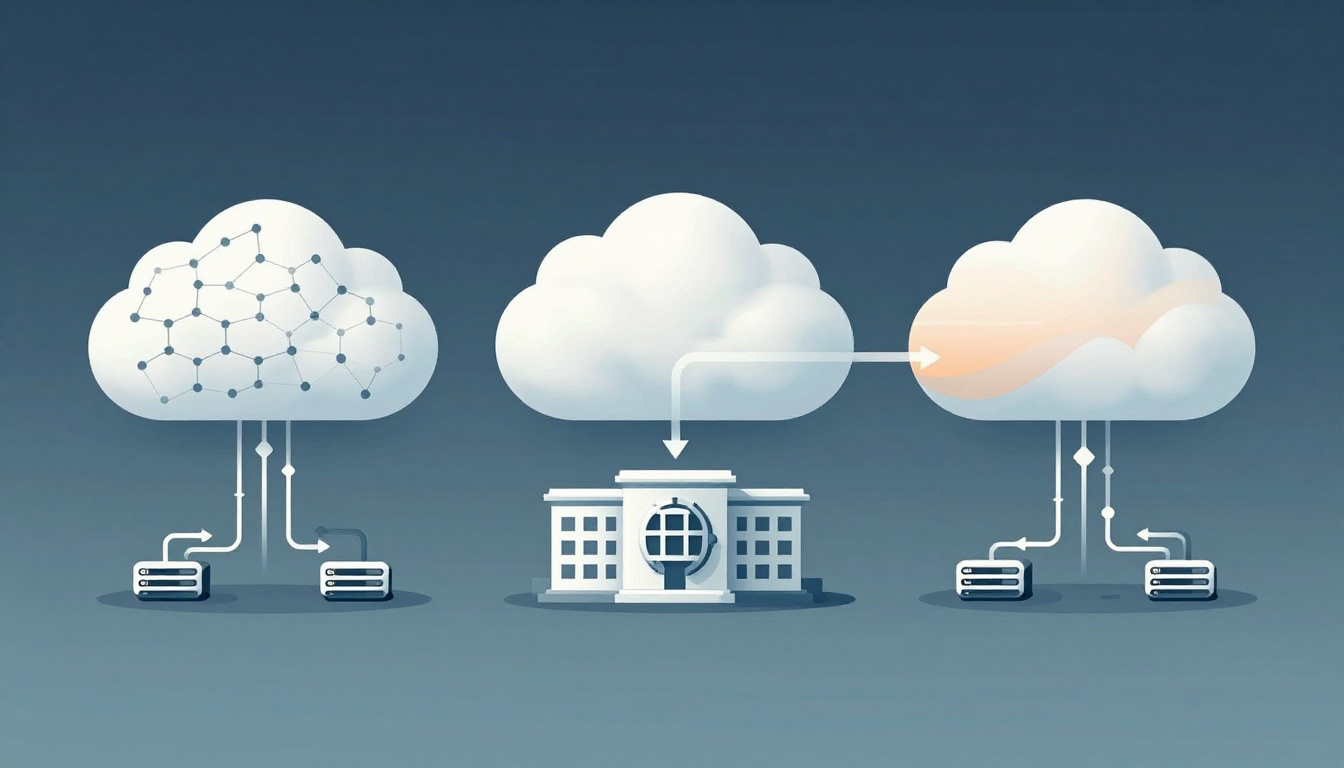
Renting an apartment and owning a house feel different for a reason. You share some things when you rent, but you still get a place to live. With cloud computing, public, private, and hybrid clouds work the same way.
Cloud services store data and run apps online. The “cloud type” mostly tells you who shares the hardware, where it runs, and how much control you get. So if you’re choosing where to run workloads, the difference matters for cost, security, and scaling.
In 2026, most organizations aren’t picking just one option forever. In the US, about 73% use hybrid cloud setups, and many also run multiple clouds. That’s why it helps to understand the basics fast.
Now let’s break down public, private, and hybrid clouds in plain terms, with real examples and simple pros and cons, so you can pick the right fit without stress.
Public Cloud: Rent Power from Tech Giants Like AWS and Azure
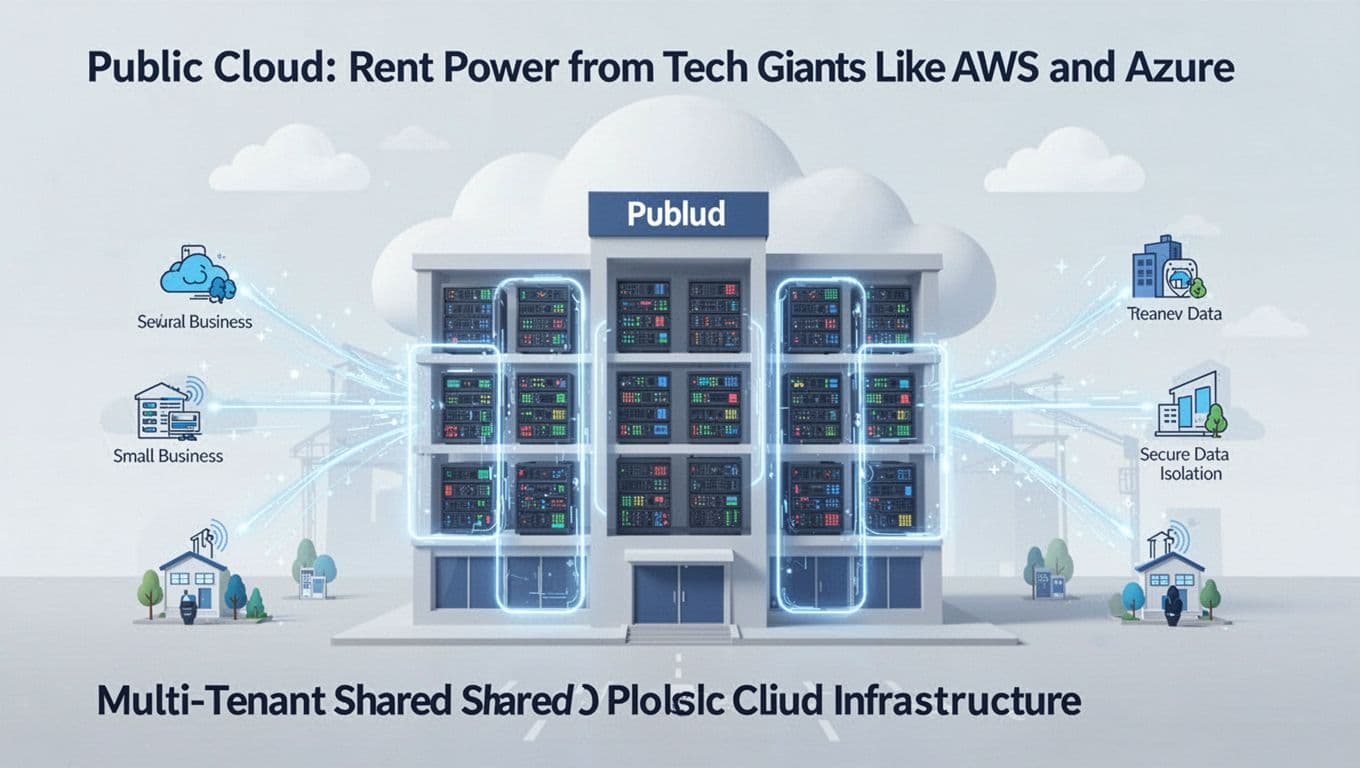
A public cloud is shared computing power provided by companies like Amazon Web Services (AWS), Microsoft Azure, and Google Cloud. Your organization uses their servers over the internet. Other customers share the same overall platforms, even if your data stays isolated.
Think of it like renting an apartment building. The building, utilities, and maintenance are shared across tenants. You get your own space, but you don’t control the building plumbing.
Public cloud setups are popular because they’re quick to start. You can spin up servers, storage, and apps when you need them. If traffic spikes, you can scale up fast. Many services also price in a “pay as you go” style, so you don’t buy all hardware upfront.
Here’s the trade-off. Because the infrastructure is shared, you can’t customize every detail. Also, performance can feel less predictable during busy times, even though providers use safeguards. Finally, you may depend on the provider’s tools and processes.
A lot of teams choose public cloud for AI and analytics, because the ecosystem is huge. For example, you can train and deploy models without setting up everything yourself. If you want to compare how major providers stack up in 2026, this guide can help you frame the decision: AWS vs Azure vs GCP selection guide 2026.
Top Providers and Real-Life Uses
Most public cloud users pick from the big three: AWS, Azure, and Google Cloud. Each one has strong services, but you often choose based on your team’s skills, your needed services, and your budget.
Common real-world uses include:
- E-commerce and media sites that need burst scaling during sales or sports events
- Startups that want fast setup for new apps and experiments
- Data and AI projects that benefit from managed training and tooling
In 2026, public cloud providers keep adding AI features and platform services. As a result, teams often start in public cloud and later add more control through hybrid designs.
When Public Cloud Shines and When It Struggles
Public cloud is a great fit when you want speed and flexibility.
Public cloud tends to shine when:
- You need to launch quickly
- You expect changing demand
- You want managed services that reduce ops work
Public cloud struggles when:
- You need strict control over infrastructure details
- You have workloads that must stay steady and predictable
- You worry about cost surprises (like data transfer or heavy scaling)
Here’s a practical scenario. Imagine a website that gets steady traffic all month, then doubles during a holiday weekend. Public cloud can help you scale on demand. However, if you don’t plan for monitoring and cost controls, the spike can get expensive.
The biggest public cloud risk usually isn’t “sharing.” It’s spending without guardrails.
Also, provider dependency can sneak up on you. If your apps rely on one provider’s special services, switching later can feel painful.
Private Cloud: Your Dedicated Setup for Total Control
A private cloud gives one organization exclusive use of the cloud environment. It can run on your own data center (on-premises) or in a hosted private setup. The key point is that the infrastructure is not shared with other tenants.
Private clouds often fit when you need tighter control, stronger compliance, or more predictable performance. They also help when you want to customize the environment more deeply, such as specific networking, security controls, and hardware choices.
In plain terms, private cloud is like owning a house. You still may use “cloud-like” tools, but the place is yours. You control how it’s built and managed.
Private cloud can be a strong option for regulated industries. Think banks, hospitals, or government organizations that handle sensitive data. They often need clear policies, audit support, and consistent environments.
However, private cloud has real costs. You must buy or reserve hardware. You also own more day-to-day management. Scaling can be slower too, because you can’t instantly add everything like you can with public cloud.
In 2026, private cloud demand is also tied to cost scrutiny and resilience needs. If cloud budgets face more attention, dedicated environments can look attractive for stable workloads.
For broader context on how private cloud thinking is shifting, this roundup is useful: 2026 private cloud predictions.
Building and Managing Your Private Cloud
You have two common paths.
On-premises private cloud means you run the hardware in your facility. That gives direct control. You also manage power, cooling, hardware refresh, and upgrades.
Hosted private cloud usually means a provider manages the platform, while you keep exclusive access. You may still get strong control, but you’re not fully running everything yourself.
Teams often build private clouds with virtualization and orchestration tools. Depending on your setup, you might see platforms such as VMware, OpenStack, or vendor “appliance” style systems.
The upside is control. The downside is workload. You need teams who can manage storage, networking, monitoring, patching, and security workflows.
For many organizations, that’s why private cloud works best for workloads with stable patterns and strict requirements.
Pros, Cons, and Ideal Scenarios
Private cloud is best when the rules are tight and performance needs to stay consistent.
Pros
- Predictable performance for steady workloads
- Full customization for security and architecture
- Compliance fit for sensitive data
Cons
- High setup and hardware costs
- Slower scaling compared to public cloud
- Ongoing management burden
A clear example helps. A hospital may host patient records on a private cloud to meet strict rules. Meanwhile, it can use public cloud services for less sensitive workloads, like certain analytics pipelines. That’s where hybrid often wins.
Hybrid Cloud: Blend Public and Private for the Win
A hybrid cloud connects public and private clouds so they work together. Some apps and data stay private. Others run in public. Then you move workloads securely based on rules.
This is where hybrid becomes practical. Not everything belongs in one place. Some data needs tight controls. Other parts need flexible scaling.
In 2026, hybrid adoption stays strong because it matches real business needs. In the US, about 73% of organizations use hybrid cloud setups. Companies often want both security and scale, without moving everything at once.
Hybrid cloud can also reduce “all-or-nothing” decisions. Instead of betting your future on one environment, you can place workloads where they fit best.
You may also hear “cloud bursting.” That’s when private systems handle normal load, then public cloud supports spikes. It can be useful during seasonal events or short-term projects.
Still, hybrid has a cost too. You need tools and planning to manage two environments. Integration can get complex, especially for networking, identity, security policies, and monitoring.
Also, hybrid can require extra effort to keep data movement secure and compliant. Even when it’s worth it, it’s not “set it and forget it.”
How Hybrid Setups Work in Practice
Most hybrid systems follow a simple pattern.
First, you choose which workloads live in private cloud. Next, you set up connectivity and security rules to let trusted systems communicate. Then, you define policies for when to move workloads to public cloud.
In real life, data flow might look like this:
- Sensitive data stays private.
- Public cloud runs compute for processing or analysis.
- Results return to private storage for final use.
Organizations often use management and deployment tools to keep workloads consistent across environments. Some teams use solutions like Azure Arc, AWS Outposts, or Google Anthos to standardize operations.
To compare hybrid management approaches, you can use this breakdown: Azure Arc vs Anthos vs Outposts.

Benefits That Make Hybrid Irresistible Today
Hybrid cloud wins because it lets you place each workload where it fits.
Key benefits include:
- Security plus scale: keep sensitive data private, scale compute in public
- Cloud bursting: handle spikes without buying peak hardware
- More cost control: avoid running every workload on expensive dedicated resources
- Less lock-in pressure: keep options open by using multiple platforms
Hybrid is also well-suited to AI. Teams often train models in public cloud for speed, then keep sensitive datasets and certain application parts private.
There’s also a strategic lesson many teams learn the hard way. Cloud-only can be limiting once costs rise or workloads need special controls. This is why many IT leaders push for a practical hybrid plan: The 2026 hybrid strategy why cloud-only can fail.
Hybrid is often the “best fit” approach, not the “perfect” one.
The gotcha is management. You need strong monitoring and clear policies. Without them, hybrid complexity can turn into hidden effort and higher risk.
Comparing Clouds Side by Side to Pick Yours
Use this quick table to sort out the differences. It’s not meant to crown one cloud style. It’s meant to help you choose the right one for your needs.
| Cloud type | Who shares infrastructure | Control level | Scaling speed | Best for | Typical challenge |
|---|---|---|---|---|---|
| Public cloud | Many customers (multi-tenant) | Lower than private | Fast | Startups, apps that spike | Cost control and less customization |
| Private cloud | One organization | High | Slower | Regulated data, stable workloads | Setup cost and ongoing ops |
| Hybrid cloud | Mixed (public plus private) | Medium to high | Medium to fast | Balancing security and spikes | Integration and management complexity |
As a rule of thumb:
- Choose public cloud when speed and growth matter most.
- Choose private cloud when compliance and control lead.
- Choose hybrid when you need both, especially if workloads vary.
In 2026, the biggest shift isn’t just more cloud. It’s smarter cloud. Teams focus on cost optimization, better hybrid tools, and reducing lock-in risks by planning ahead.
Conclusion
Public, private, and hybrid clouds are just different ways to run apps and store data. Public cloud is shared and fast. Private cloud is dedicated and controlled. Hybrid cloud blends both, so you can match each workload to the right environment.
If you’re stuck choosing, start with two questions. Do you need quick scaling or strong control? Then decide what should stay private and what can burst into public cloud.
That’s how most teams move forward without guessing. What cloud setup are you considering right now, and what workload do you want to run first?