Imagine setting up your first cloud account, feeling proud, and then realizing a tiny setting slip can expose your data to strangers. It happens more often than you think. In 2026 reporting, misconfigurations are linked to 31%+ of cloud breaches and human error is a major driver.
Cloud can feel “hands-off” at first. You rent online storage or servers, then you move fast. However, speed can hide risk, especially when you are new.
So what are the cloud security risks for beginners should watch first? This guide breaks down the most common problems, with plain examples you can picture. You will also learn quick fixes you can apply today, so your setup stays in your control. Next, let’s start with the hidden dangers that catch beginners off guard.
The Hidden Dangers Beginners Overlook in Cloud Setups
Many beginners treat cloud setup like installing a phone app. You click, connect, and start using it. Then a scan shows the mistake, or someone else stumbles on your files.
The first problem is how fast setup tools move. Templates help you launch quickly. Yet they do not always guide you through safe choices. As a result, weak defaults can stick around.
Second, the shared responsibility model can feel confusing. In simple terms, your provider secures the “cloud’s plumbing.” You still secure what you put in it, like data, permissions, and access paths. If you assume the provider handles everything, you can miss the key controls.
Third, free tiers and “trial everything” behavior can encourage shortcuts. It’s tempting to skip monitoring or delay permission reviews. However, that delay gives attackers time. It also gives mistakes time to compound.
And in 2026, there’s another twist: AI tools can create extra “shadow” resources. People use bots, agents, and quick automation. Those systems can spin up keys, APIs, and workspaces without the same oversight you would apply to human accounts. That can create identity sprawl, where too many identities have access.
Beginner rule: Turn on MFA first. It’s the simplest shield against account takeover.
Think of IAM like house keys. If you hand out too many keys, it does not matter how strong your door is. Good identity controls help you lock down who can open what.
A helpful baseline is to review current cloud security trends and how identity-focused attacks are evolving. For a 2026 snapshot, see Top Cloud Security Trends in 2026: Key Strategies & Risks.
Top Cloud Security Risks Explained with Real-World Examples
Here’s what trips up most folks when they start using cloud services. The risks rarely show up alone. One weak setting can lead to another, and then an attacker has a path.
Below are the most common beginner-friendly danger zones, explained in plain words. Each one includes a real scenario you can relate to, plus what the impact can look like.
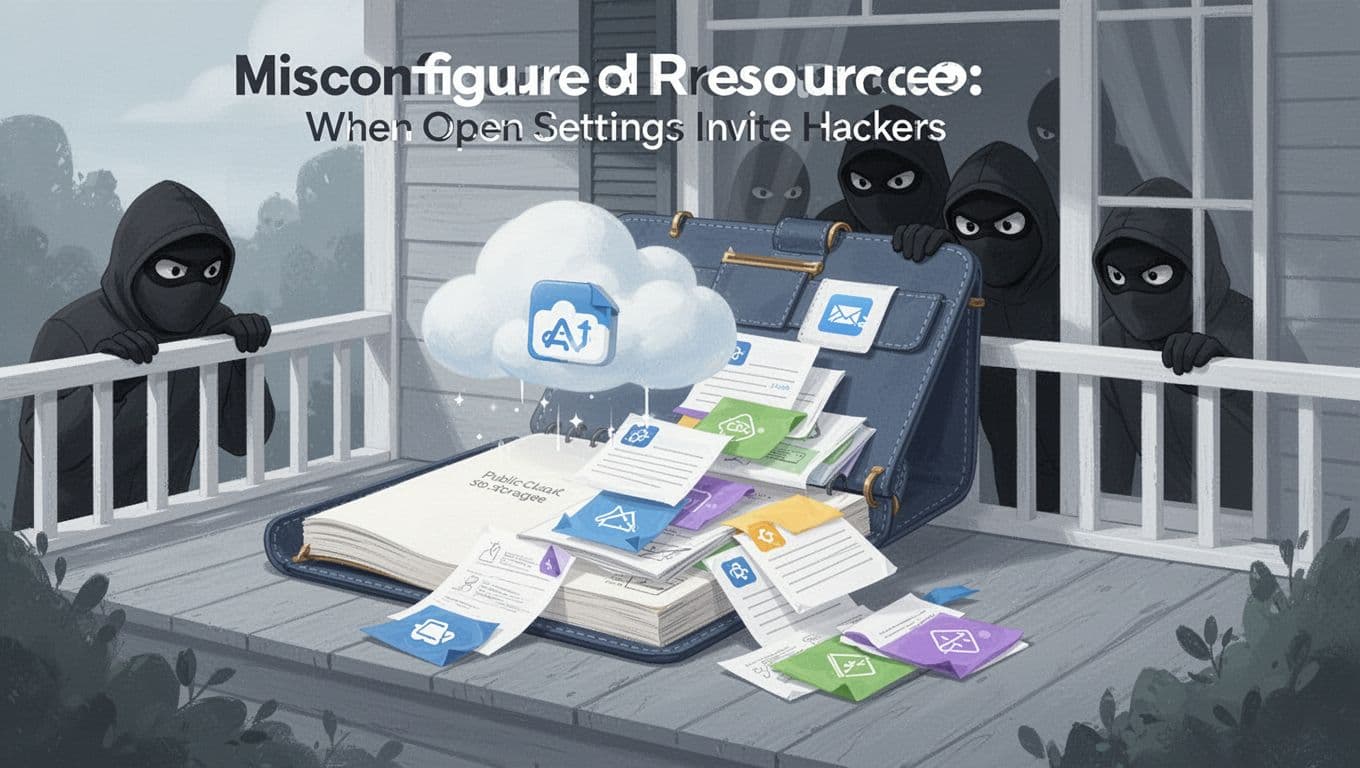
Misconfigured Resources: When Open Settings Invite Hackers
Misconfigured resources happen when you leave something accessible you meant to keep private. In cloud terms, that often means the wrong permissions on storage, compute, or networking.
Picture this: you create a “test” storage bucket and forget to lock it down. Later, you upload a file with customer data “just to check it works.” If the bucket ends up public, anyone can browse and download. That’s like leaving your diary on the porch.
In 2026 reporting, misconfigurations link to 31%+ of cloud breaches, and human error often shows up inside those events. Another view is even broader, showing misconfigurations can account for a large share of breach causes, depending on the dataset.
If you want more background on why cloud missteps repeat so often, this overview of cloud security risks can help: 17 Security Risks of Cloud Computing in 2026.
Insecure APIs: Unlocked Doors to Your Cloud Apps
APIs connect services. They let apps read data, write records, or trigger actions. If an API is poorly protected, it can turn into a back door.
Here’s a beginner example: you build a small app that calls your cloud endpoint. During testing, you add an endpoint rule that works “without friction.” Later, you forget to tighten it. Attackers can then call your API directly, scrape data, or trigger actions you never intended.
APIs also tend to grow fast. In 2026, faster app development means more endpoints, more versions, and more places to misconfigure access. Some teams add features quickly, then assume security “will come later.”
The impact can be serious. API attacks can expose records, bypass business rules, and create extra costs when attackers drive heavy requests. Even worse, a single API weakness can help attackers find other weaknesses inside your cloud setup.
Weak Identity and Access Management: Sharing Keys Too Freely
Identity and Access Management (IAM) controls who can do what. Beginners often mess this up by giving too much access, using weak authentication, or keeping permissions too broad for too long.
For example, you might give a developer role “admin” because it works. Then you forget to reduce permissions later. If that account gets stolen, the attacker can act like an internal user. They can view data, change settings, or delete resources.
In 2026, identity issues stay front and center. One summary trend is that 80% of organizations will face breaches in 2026 from identity issues. Also, attacks that rely on stolen logins keep showing up because it’s often easier than finding a software flaw.
On top of that, identity sprawl can happen from automation. Bots, integrations, and AI agents may require keys to operate. If you never review those identities, you end up with more access than you realize.
If you do just one thing here, enable strong login protection and tighten roles over time. Least privilege is not a slogan. It’s a way to reduce blast radius when something goes wrong.
Account Hijacking: Phishing Steals Your Cloud Login
Account hijacking usually starts with phishing or password guessing. Attackers trick users into entering credentials, then use those credentials to log in and act.
Imagine a fake “security alert” email. It looks real enough to fool you. You enter your password on a look-alike page. Then the attacker logs into your cloud console. From there, they might download data, modify permissions, or launch crypto mining.
In 2026 reporting, phishing for credentials appears as a common method in breaches, with one summary showing 51% as a leading category. Since your cloud account can control many services, the cost of a hijacked login can be huge.
It’s also common for hijacking to trigger other problems. Once attackers have access, they can create new users, rotate keys, or add new access rules. That means recovery can be harder than the initial hack.
You reduce this risk fast with MFA, careful password practices, and quick response habits. If you get a suspicious login alert, treat it like a fire, not an email.
Data Breaches and Loss: Sensitive Info Slipping Away
Data breaches and loss happen when sensitive information becomes accessible without permission, or when data disappears. Cloud makes it easy to store data. It also makes it easy to lose control if you skip guardrails.
A beginner scenario: you store customer records in a database, then create a snapshot for testing. You later share access to the snapshot for convenience. When permissions are wrong, the “test copy” becomes the real leak.
Another scenario is loss through deletion or overwrite. Backups might exist, but they might not work when you need them. Or maybe you did not test restores, so you find out too late.
In one 2026 summary view, 21% of cloud incidents lead to data leaks. Also, many organizations experience attacks yearly, which means the chance of a data-impact event can rise when controls lag behind usage.
The impact is not only technical. It can include cleanup time, customer trust damage, and compliance pain. Even small mistakes can turn into big recovery work.
Inadequate Encryption: Readable Data for Anyone Who Steals It
Encryption is a way to scramble data. It does not stop a breach by itself. However, it can limit what an attacker can do after they access files.
Beginners often think encryption is “set it and forget it.” In practice, encryption settings can vary across storage types. Some data might be encrypted at rest, but not when it moves. Other parts might stay in plain text for logs or exports.
For a simple example, imagine a table that stores payment card details in plain text. Even if the database is protected, an attacker who gets access can read that data instantly. With encryption, that attacker would need extra steps to interpret it.
Encryption also helps with incident damage control. If something slips, encryption slows down the “read and use” part. That can reduce how fast data gets misused.
In 2026, many misconfiguration events involve data exposure. Encryption gaps often show up inside those same incidents. So encryption is not just an IT task. It’s part of the safety net.
DoS Attacks and Ransomware: Floods or Locks That Cost Big
DoS attacks aim to overwhelm resources. Ransomware aims to lock data so victims cannot access it.
Beginner example: you run an API endpoint with no rate limits. An attacker sends too many requests. Your system slows down or fails. Then you get an unpleasant surprise, like huge cloud bills.
Another example is ransomware-style behavior. In some cloud incidents, attackers may encrypt data and then demand payment. In other cases, they trigger destructive actions that resemble ransomware effects, like mass deletion or locking down access.
In 2026, the common theme is that modern cloud setups scale fast. That can help your app. It can also help an attacker create bigger damage. If your cloud accounts allow uncontrolled scaling, attackers can turn small access into large costs.
The key impact is twofold: service disruption and financial harm. Recovery can also take time, especially if backups are missing or stale.
Good defense includes rate limits, monitoring, and strict access controls. Those three reduce both downtime and surprise charges.
Quick Wins to Shield Your Cloud from Beginner Mistakes
You do not need a perfect security team to improve fast. You need a short list of high-impact moves. In 2026, AI scanners can also help spot misconfigs earlier, but your basics still matter.
Start with a plan that covers access, exposure, and monitoring. Then keep it simple enough to stick with.
For broader best-practice patterns across AWS, Azure, and GCP, see Cloud Security Best Practices for AWS, Azure, and GCP in 2026. For a practical baseline checklist, use Cloud Security Checklist: AWS, Azure, GCP.
Here are beginner quick wins that cover the risks above:
- Enable MFA for every human account first. Then do the same for admin roles.
- Use least privilege. Remove admin access and grant only what each person needs.
- Audit public exposure. Check storage access, sharing rules, and network settings for anything “open.”
- Harden APIs. Require auth, add rate limits, and log requests.
- Turn on monitoring. Alert on new keys, new users, permission changes, and unusual traffic.
- Encrypt sensitive data and verify it’s encrypted for the paths you use.
- Set backup and restore tests. Backups that you never restore are guesses, not protection.
If you want tools to help you catch issues, start with native options like AWS Config, Azure Security Center, or equivalent monitoring in your cloud provider. The goal is fast detection, not perfect prevention.
Start Safe, Fix Fast, and Keep Learning
If cloud security feels overwhelming, remember the big pattern. Beginners usually get hit by the same themes: public access by mistake, weak identity controls, and gaps in monitoring.
You can reduce risk quickly by locking down logins, tightening IAM, checking exposure, and keeping alerts on. Then you build good habits while your cloud footprint grows.
If you want a simple next step, use a recommended security checklist from a major provider and work through it one item at a time. The Google Cloud checklist is a solid start: Google Cloud recommended security checklist.
What’s your biggest cloud “first mistake” story, the one you only realized after the fact? Share it in the comments, then try one quick win from this list today.